
Potion Cauldron And Poison Cursor
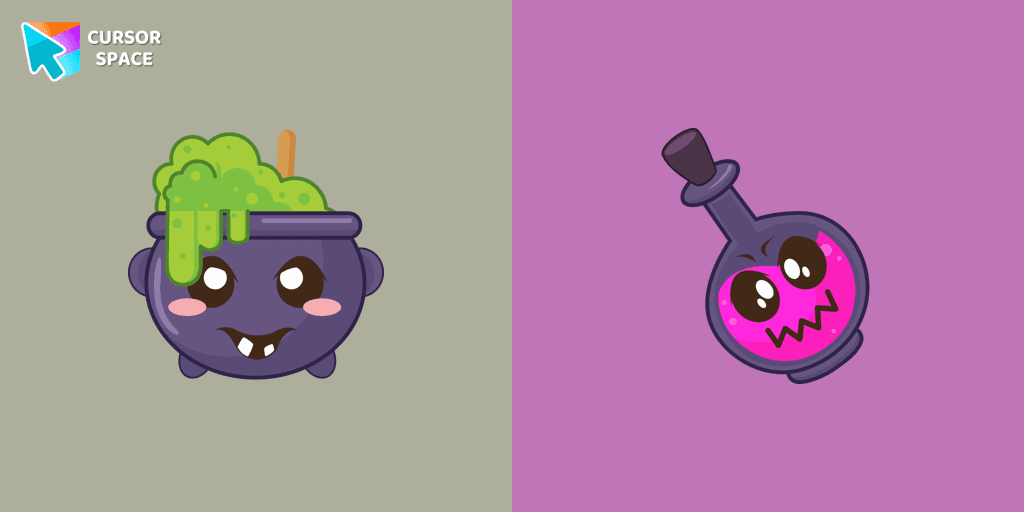
Cursors in the pack
Description
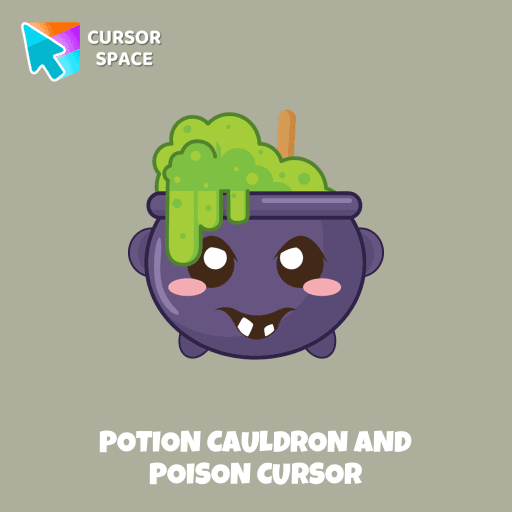
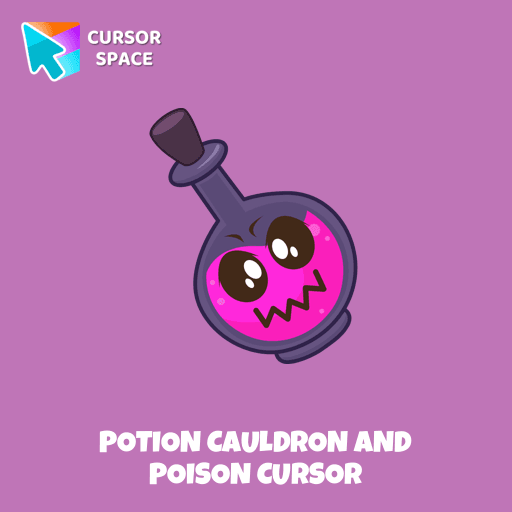
Embrace the magic of Halloween with our exclusive Halloween custom cursors collection for Chrome, where every click brings a touch of spooky fun to your screen. Among the many themed options, one standout is our Potion Cauldron and Poison cursor. This unique design transforms your pointer into a whimsical vial of potion, perfectly capturing the mischievous spirit of the season. The funny Potion Cauldron pointer not only looks enchanting but also adds a playful twist to your everyday browsing.
Our collection caters to every user—from those in search of a reliable custom cursor for chrome to enthusiasts eager for the latest chrome custom cursor trends. With options like the premium custom cursor for chrome™ and the budget-friendly custom cursor for chrome free version available through the chrome web store custom cursor, there’s something for everyone. The intuitive custom cursor chrome extension makes installation a breeze, allowing you to switch to a cursor custom for chrome with just a few clicks.
Worried about how to get a custom cursor on Chrome? Our detailed guide on the custom-cursor for chrome package explains every step, ensuring a smooth upgrade to your personalized interface. For those who prefer an effortless approach, our custom cursor for chrome no download option lets you enjoy the magic instantly—even in environments where extensions are blocked, thanks to our custom cursor for chrome unblocked designs.
Upgrade your digital experience this Halloween with our safe and user-friendly solutions. Whether you ask, “how to use custom cursor for chrome?” or wonder if is custom cursor for chrome safe, our products have been rigorously tested to meet high-security standards. Transform your browser today with a Potion Cauldron and Poison pointer and let your cursor reflect the enchantment of the season.
What's included in the package
- Default Cursor
- Pointer (Hand)
How to install a custom cursor pack Potion Cauldron And Poison Cursor
Install the Cursor Space extension for Chrome or Cursor Space for Edge in your browser.
On this page, click "Add this cursor pack to the extension".
Open the extension and go to the Packs tab.
Find the custom cursor pack "Potion Cauldron and Poison cursor" and click it.
Enjoy!
Ready to install?
Get this cursor pack and thousands of others by installing our extension. It's fast and free!
About this cursor pack
Potion Cauldron And Poison Cursor is a themed cursor pack you can add to your browser to personalize your pointer across common cursor states (default and pointer). Use it for everyday browsing, streaming, studying, or gaming-anywhere you want your cursor to match your vibe.
Instant preview
See how the cursors look before installing.
Easy install
Add the pack to the extension in a few clicks.
Works in your browser
Designed for Chrome and Edge via the extension.
FAQ
Quick answers to common questions about cursor packs, collections, and installation.
Do I need an extension?
Which browsers are supported?
How do I switch back to the default cursor?
Popular cursors today
Custom cursor and packs - neon, anime, pixel art. Quickly add to Chrome and Microsoft Edge for free
- TOP 1
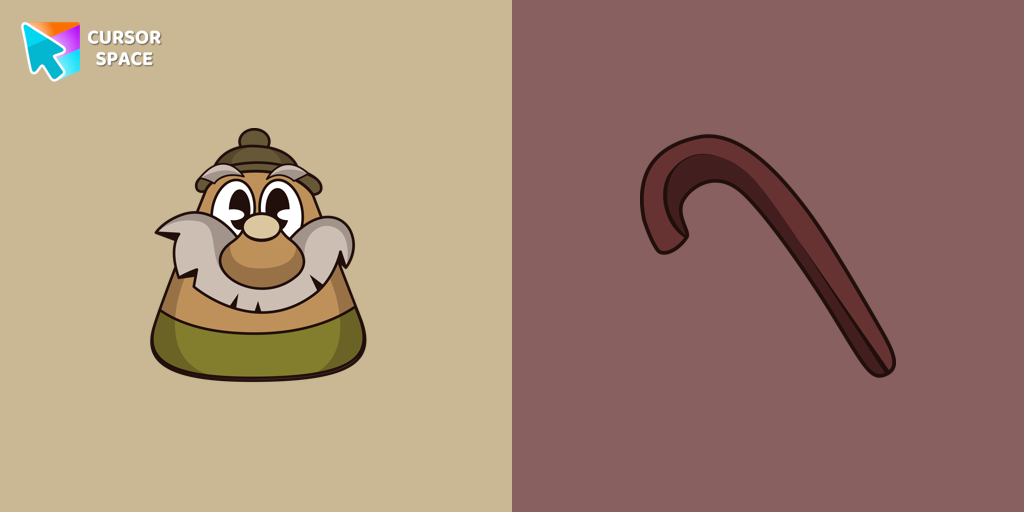
Elder Kettle cursor
(74)FreeUpgrade your browser with the Elder Kettle custom cursor for Google Chrome. Bring a unique and playful touch to your browsing experience with this fun character.
- TOP 2
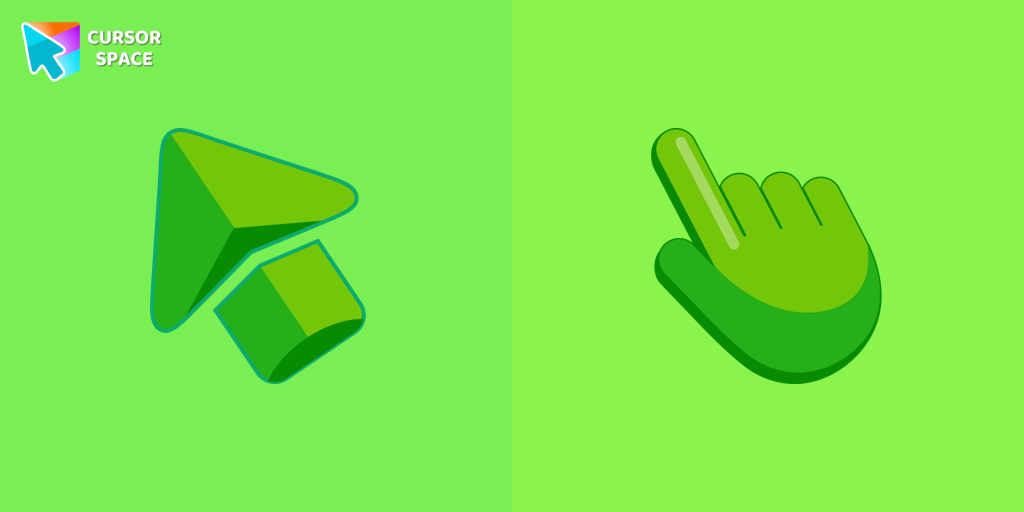
Green cursor
(768)FreeEnhance your browsing experience with the charming Green custom cursor, a delightful upgrade that transforms your ordinary pointer with style and playfulness.
- TOP 3
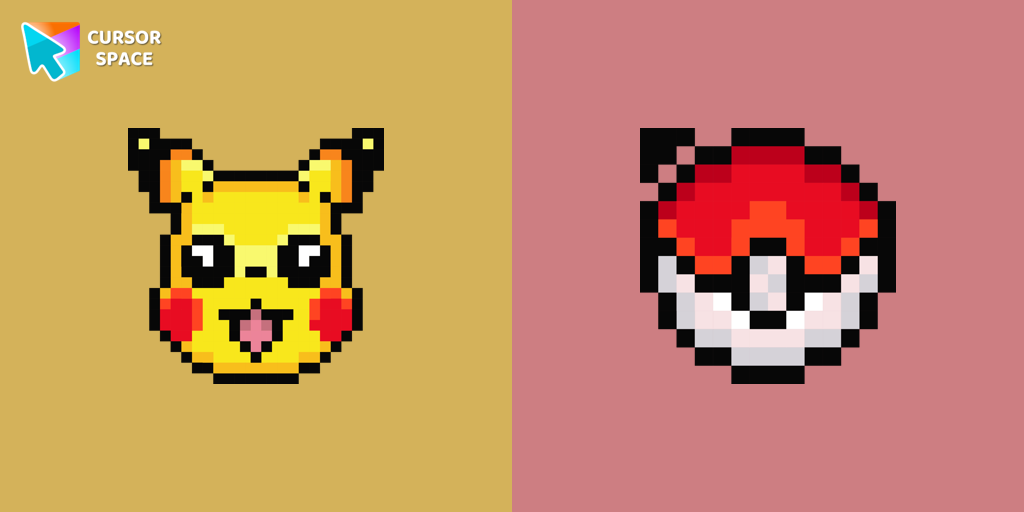
Pikachu Pixel cursor
(92)FreeCute Pixel custom cursors collection for Chrome gives you an opportunity to change the usual cursor to Pikachu Cursor in a cool pixel design.
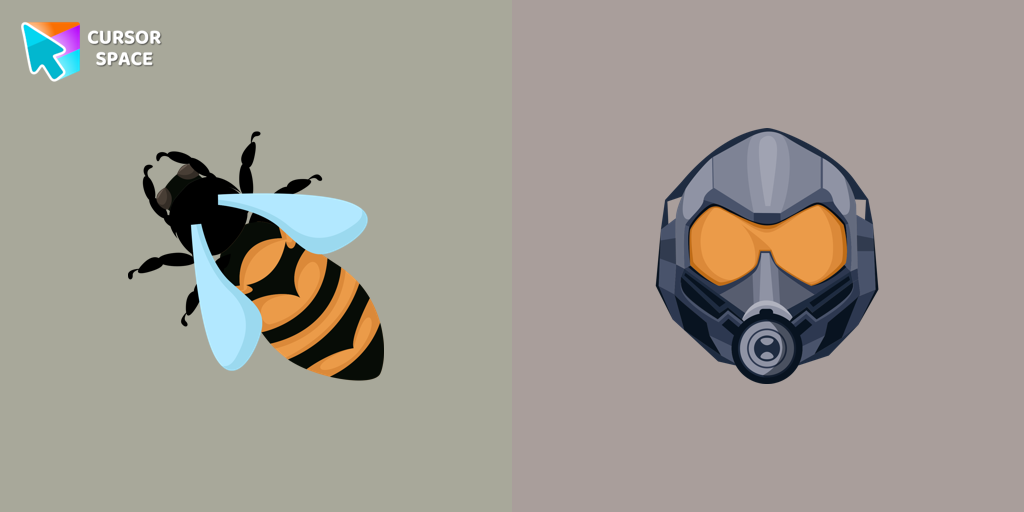
The Wasp cursor
(75)FreeTransform your browsing experience with The Wasp custom cursor for Google Chrome. Navigate with agility like the superhero herself from the Marvel Comics collection.
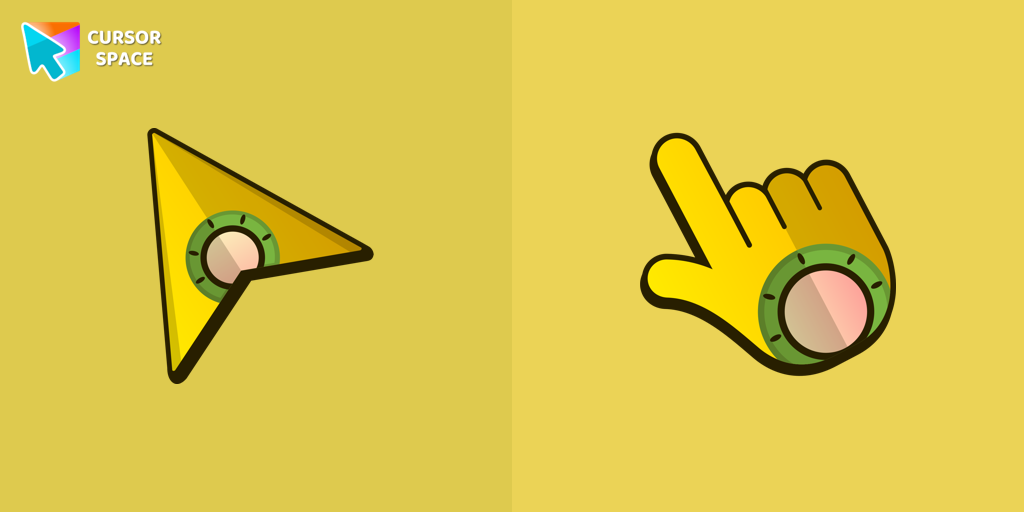
Flying Ship cursor
(103)FreeStand out from the crowd with The Flying Ship cursor from our custom cursors collection. Created exclusively for The Best Cursors, this cute cursor offers a unique and eye-catching design.
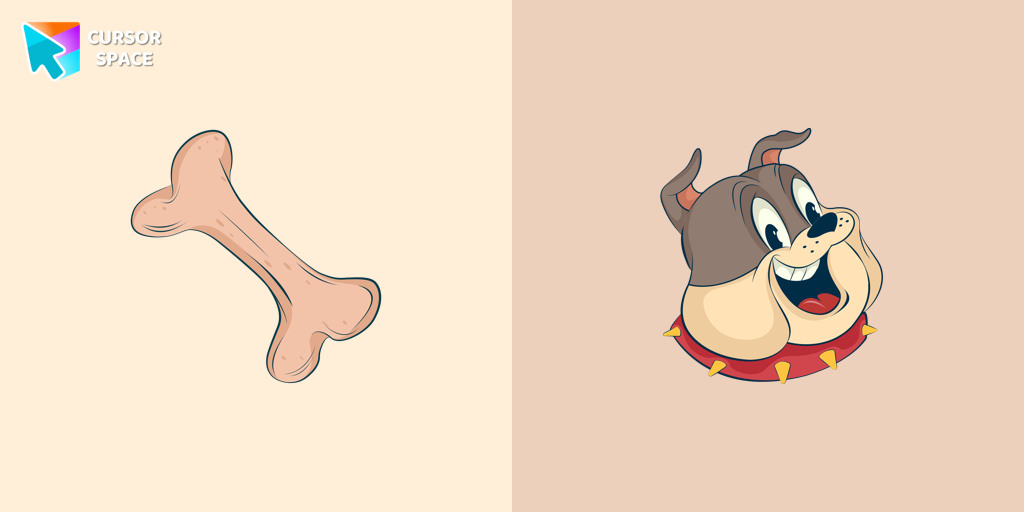
Spike Dog cursor
(102)FreeCheck out our Spike dog cursor for a fun addition to your mouse pointer.
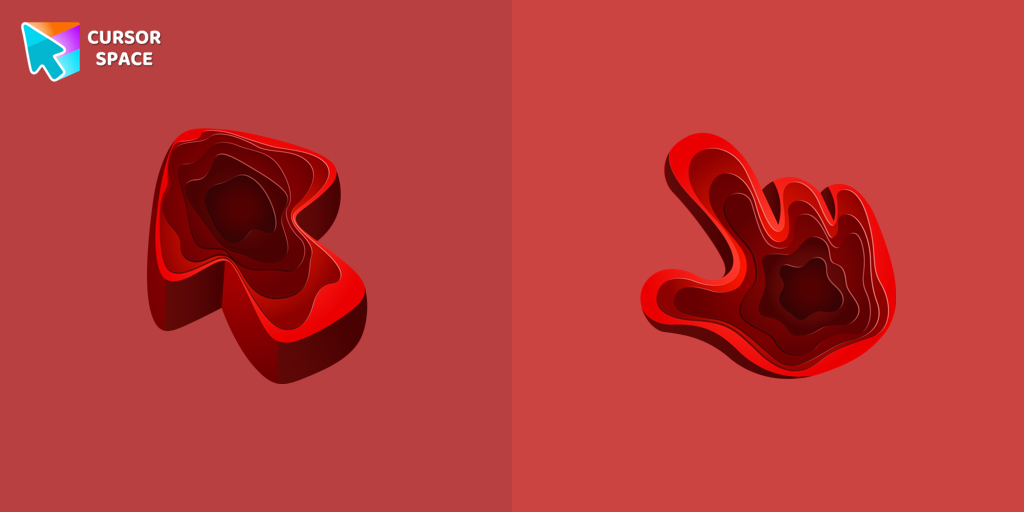
Quarry Texture cursor
(187)FreeEnhance your browsing with the Rare Texture custom cursor for Google Chrome featuring the Quarry Texture. Add a unique touch to your mouse and pointer today.

Orange gradient cursor
(2.0k)FreeUpgrade your browsing with the Vibrant Orange Gradient Cursor. This custom cursor offers a seamless orange gradient, merging style with functionality
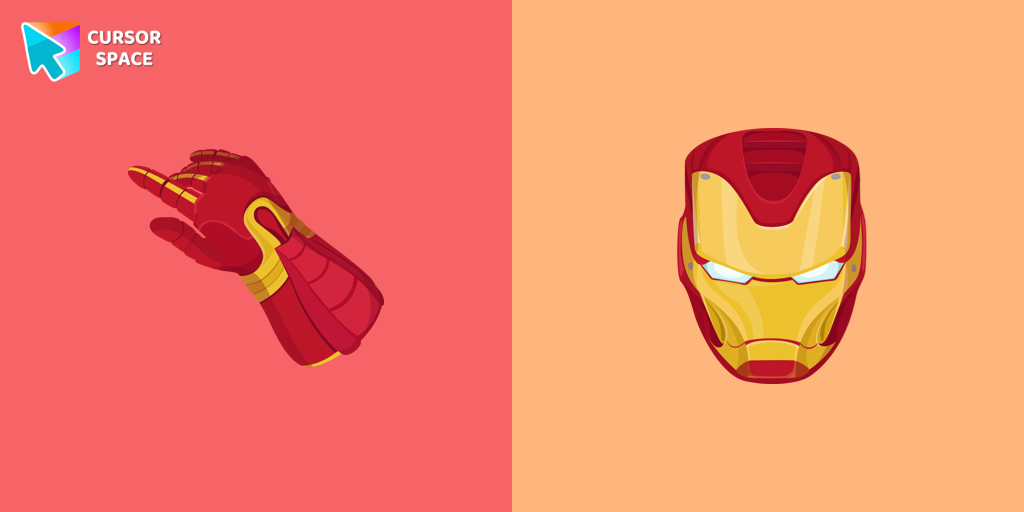
Iron Man cursor
(354)FreeUpgrade your browsing with the Iron Man custom cursor for Google Chrome. This sleek and futuristic design adds a touch of sophistication for superhero fans.
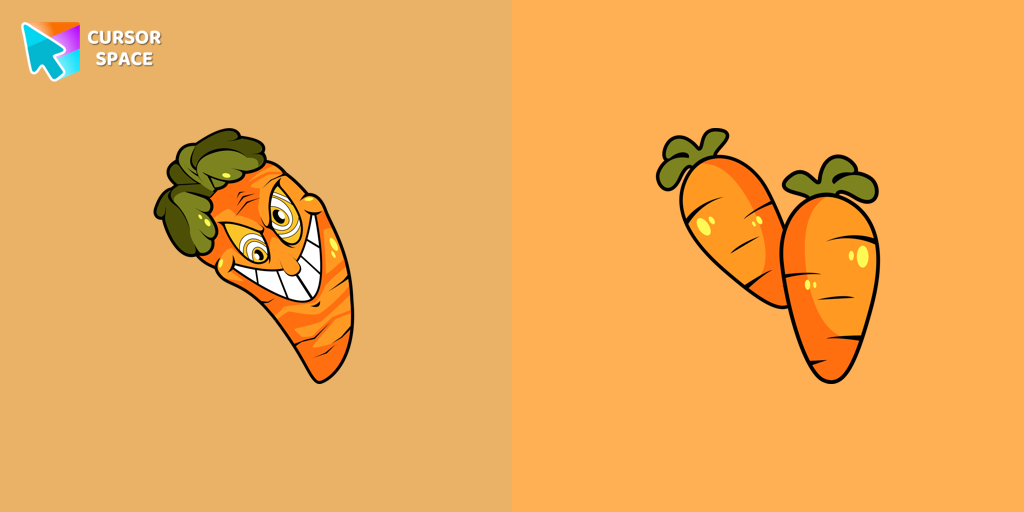
Chauncey Chantenay cursor
(90)FreeOur Cuphead custom cursors collection features a charming custom cursor called "Chauncey Chantenay" designed with beautiful artwork for your browser.
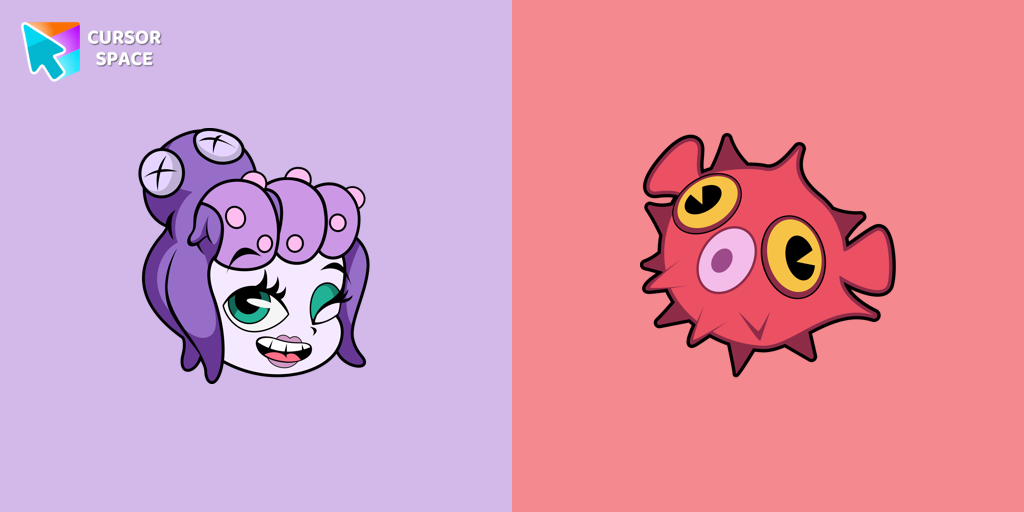
Cala Maria cursor
(89)FreeEnhance your browsing experience with the Cala Maria custom cursor for Google Chrome. This animated cursor brings the iconic Cuphead character to life on your screen.
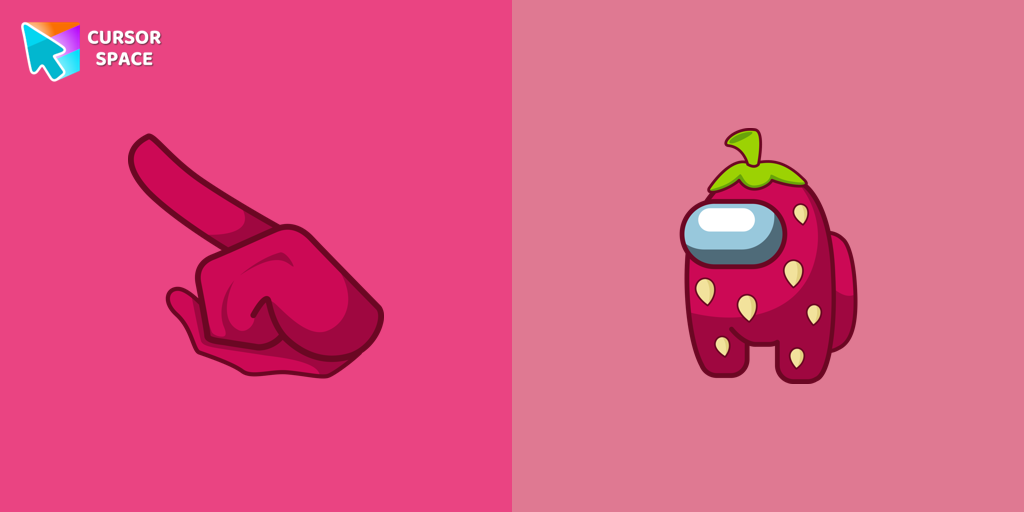
Among Us Strawberry Character cursor
(97)FreeEnjoy a Sweet Experience with the Among Us Strawberry Character Cursor
Collection hits
Installation leaders from "Halloween": free packs, neon/anime/pixel art, quick add to Chrome and Edge.
- TOP 1
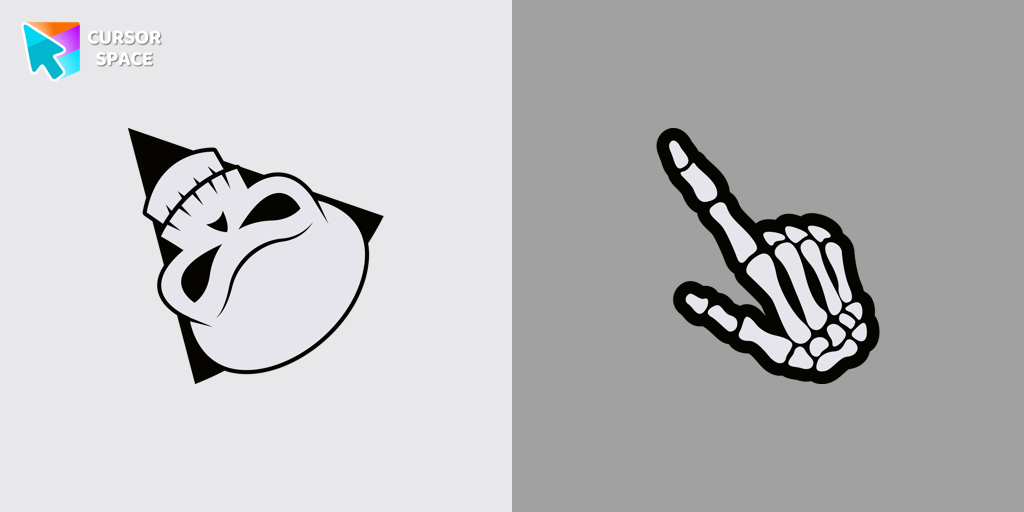
Angry Skull cursor
(37)FreeAngry Skull cursor for a mouse is a good Halloween art to decorate your browsing.
- TOP 2
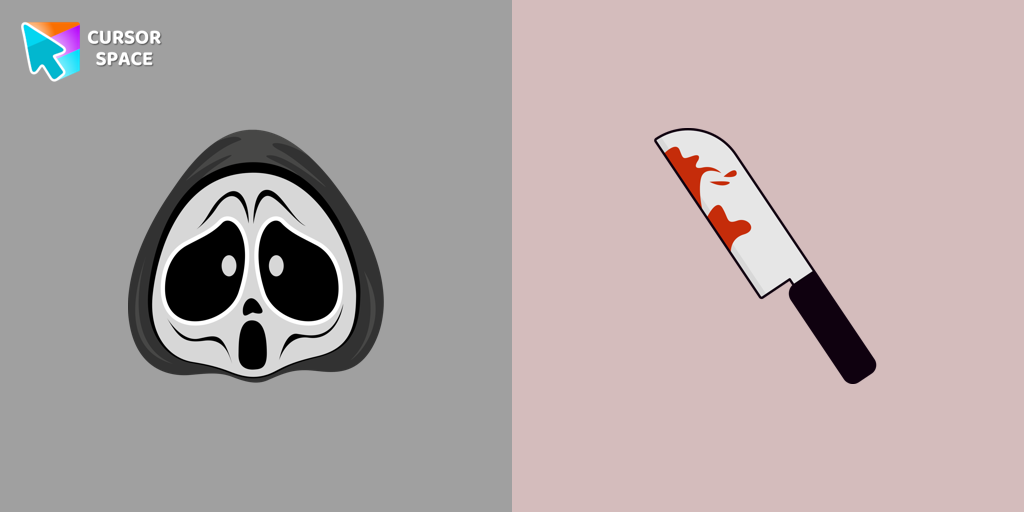
Ghostface cursor
(28)FreeGhostface cursor for mouse and custom hover pointer with a knife in our Halloween holiday collection of custom cursors.
- TOP 3
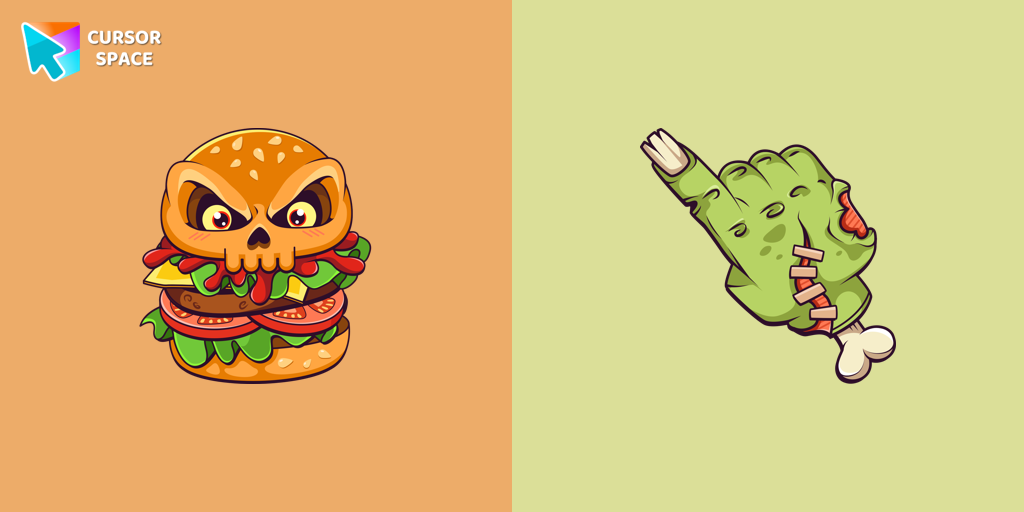
Burger Skull and Zombie Hand cursor
(25)FreeChilling blood illustrated Burger skull custom cursor and zombie hand hover for the mouse.
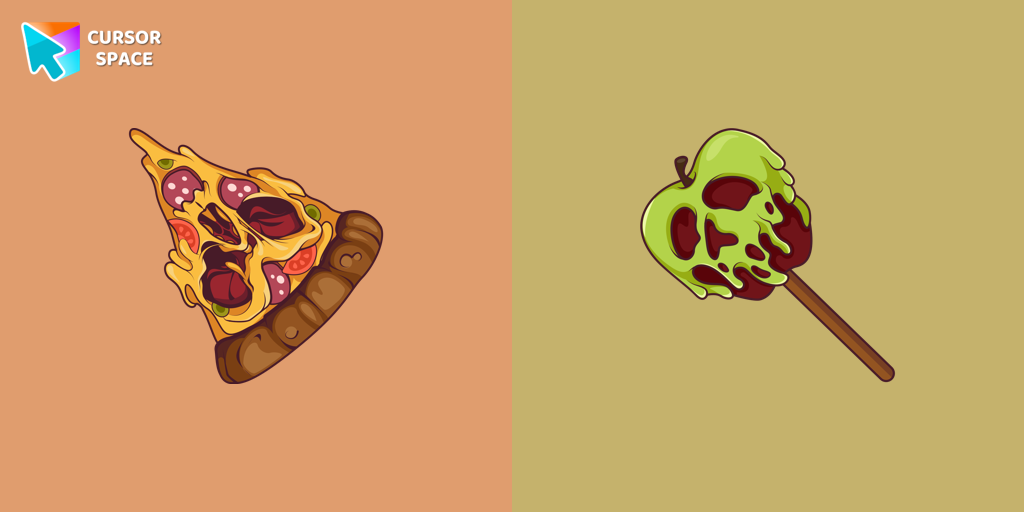
Pizza Monster cursor
(24)FreeDon't forget to decorate your interface with a Pizza Monster custom cursor from our Halloween custom cursors collection.
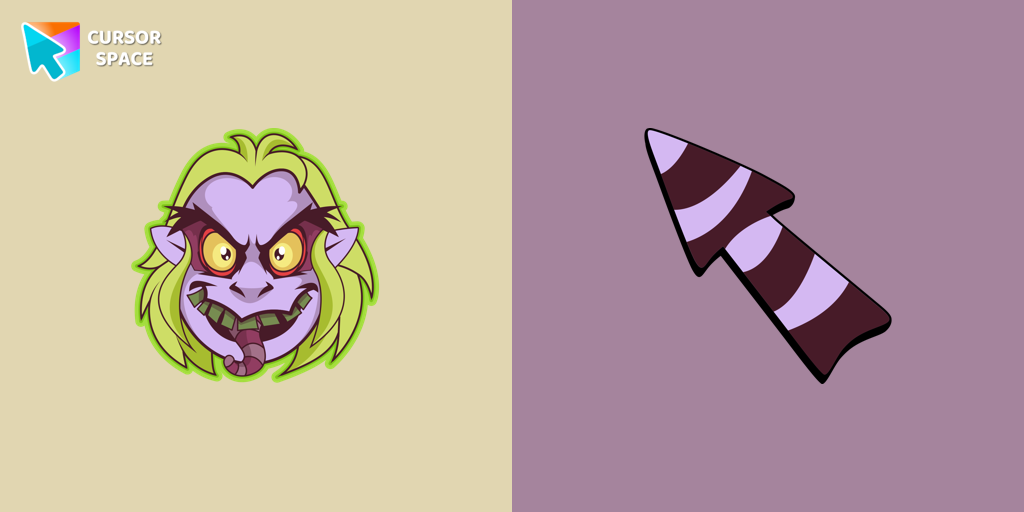
Beetlejuice cursor
(18)FreeWelcome to our Halloween custom cursors collection for Chrome where you will find a custom cursor with Beetlejuice.
Install Cursor Space - A Collection of Custom Cursors for Chrome & Edge
Add packs instantly and unlock access to thousands of cursors: neon, anime, pixel-art, and more. Fast, safe, and free.
- Free cursor packs
- HD/HiDPI & animated icons
- Quick browser installation
Cursor Space is an extension for changing your mouse cursor in Chrome and Edge browsers: themed collections, HiDPI icons, neon, animated, and pixel cursors, with quick installation.